
Searching Cases by Name
Start by figuring out the court level. The Ottawa Common Pleas Benchmark Web Case Search covers felony, general civil, and domestic-relations records. Judgment-lien records sit there too. Common Pleas appeal records are included, per the Clerk. Countywide traffic, misdemeanor criminal, and preliminary felony cases belong to Municipal Court. So do small claims and qualifying civil cases. The Municipal Court CaseLook Record Search is the local route. A name hit is only a lead to the right file. It does not settle a case's status or prove a document is online.
- Choose the local court system that matches the case type or the court named on a citation, notice, or existing document.
- For Common Pleas, select Name and enter the party in the portal’s local last-name, first-name order.
- For Municipal Court, accept the CaseLook disclaimer and use the Name/Company field in its local last, first middle format.
- Open the matching case or docket control, compare the case type and filed information, and read the newest entries before relying on a scheduled event.
Start with a broad name search on the Common Pleas form, then narrow the fields if you get too many hits. The form lets you widen or tighten a docket search as needed.
| Field label | Type | Required | Ottawa format or purpose |
|---|---|---|---|
| Name | Radio plus text | Only when selected | Enter the name as Last, First. |
| Date Opened / Closed | Date-picker ranges | No | Can narrow an overbroad search by date range. |
| Court Types | Multi-select dropdown | No | Includes Civil, Criminal, Domestic Relations, Appeals, liens, and other listed court types. |
| Causes of Action | Multi-select dropdown | No | Allows a more specific case-category filter after an initial search. |
| Party Types / Division | Multi-select dropdowns | No | Offers party roles and divisions such as Common Pleas, Appeals, Adult Probation, and Juvenile. |
Ottawa County Common Pleas Name Search
Benchmark puts the main choice front and center. Pick Name, then type the party in Last, First order. Too many hits? Add a court type, cause of action, party type, division, or date range. The form also takes statutes or charges. Party birth year, citation number, arresting case number, warrant number, and driver-license number work as well. All of those are options, not requirements for every search. For a family matter, use the portal's Domestic Relations court type. Its case categories trim a name result. For a criminal docket, use Court Type CRIMINAL. The criminal case type is a documented filter too. Local Common Pleas rules use a year, category, and consecutive-number convention for civil files. But copy the real portal number instead of building one from memory. The official Benchmark Web search form displays all of these fields.
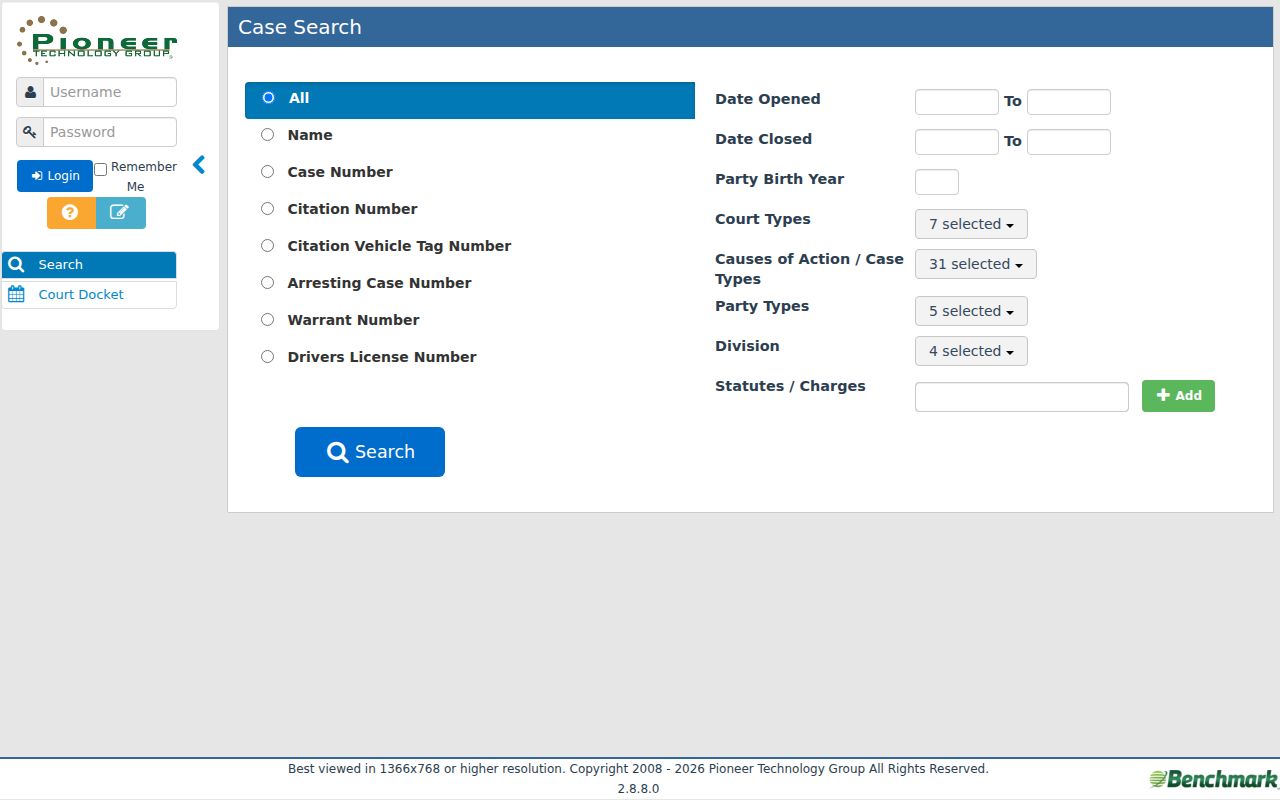
That field inventory is why a Common Pleas name search can be narrowed several ways. A broad result list is never the final word on a case match.
Ottawa County CaseLook Name Rule
CaseLook plays by tighter rules than Benchmark. Its instruction is simple. Search one item at a time. For names, the Name/Company field expects the local order last, first middle. Do not pair that name with a case number. Ticket numbers, hearing dates, and file dates do not belong in the query either. If you filter by date instead, the month, day, and year must all be complete. The Case type boxes cover Traffic, Criminal, Civil, and Small Claims. All of them start out selected. Read the disclaimer, too. Public entries can lag filings and judicial action by at least 24 hours, sometimes longer. Check a current result against the case docket and any court notice. For verified information, the court points people elsewhere. It directs them to a written request or a visit during regular hours rather than the public screen. The Municipal Court's CaseLook entry screen lays out these choices.
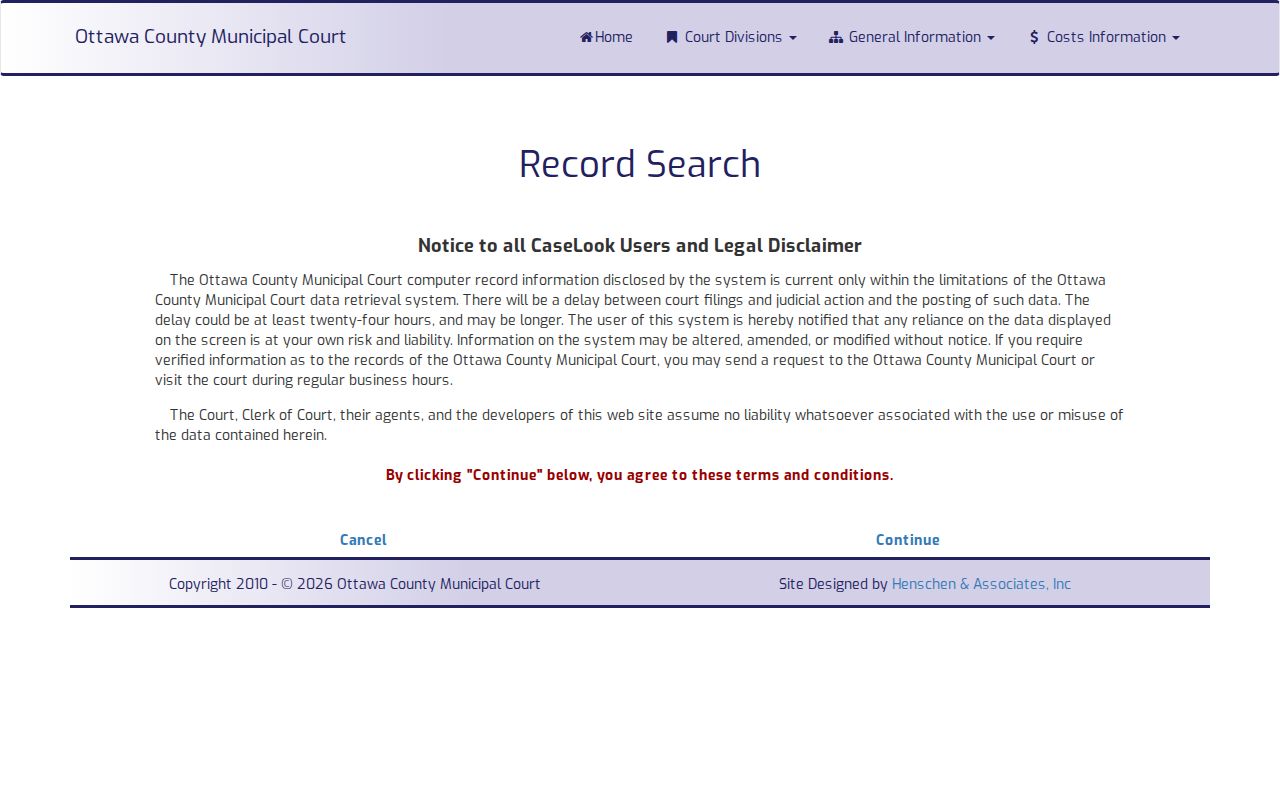
Once the disclaimer is accepted, Case Search and Calendar Search appear. The one-item rule still governs the local case search throughout.
Searching by Case Number
A known number is often the fastest path. Just match the court's format. Benchmark's tooltip gives the shape 04TR000123: a two-digit year, a case type, then digits. The source publishes that example as the required form for the Case Number field. It says nothing about the exact meaning of every character in every Ottawa case number. Enter the full number exactly as it appears. Copy it from the court notice or another official record. Municipal Court works differently. CaseLook's Case Number field takes numbers only, up to 12 characters, with no letters. A public Municipal docket number may show a case-type abbreviation or a trailing letter for entries or charges. The query field still rejects those characters. The portal, not the printed prefix, decides how the number goes in.
Ottawa County Case Number Format
On the Benchmark portal, select Case Number. Then enter the full local string in its published two-digit-year, type, and number arrangement. 04TR000123 is the portal's example. The year leads with two digits. The middle part is the portal's case type. The digits close it out. A Common Pleas civil record using the local year-prefix, category-designation, and yearly-sequence convention should be copied straight from the docket, clerk record, or notice. Don't strip the category designation. Benchmark also offers citation number, citation vehicle tag number for outstanding or not-closed cases, arresting case number, warrant number, and driver-license number as separate main search options. Each works only when your displayed information matches that field. Switching among them beats forcing a citation, warrant, or license value into the case-number box.
Ottawa County Municipal Case Numbers
CaseLook wants digits only in the Case Number box. The field is capped at 12 characters. The letters you see on a displayed docket are a different matter. Ottawa County Municipal Court abbreviations are easy to spot. They include TR for Traffic, CR for Criminal, CV for Civil, and SM for Small Claims. Those prefixes help you read a docket. The public search rejects them, so strip the letters before you type. Extra digits and letters on a docket line can separate charges or entries too, and the portal publishes no full decoder for every segment. The post-disclaimer CaseLook form appears on the court's own site once the agreement screen is accepted.
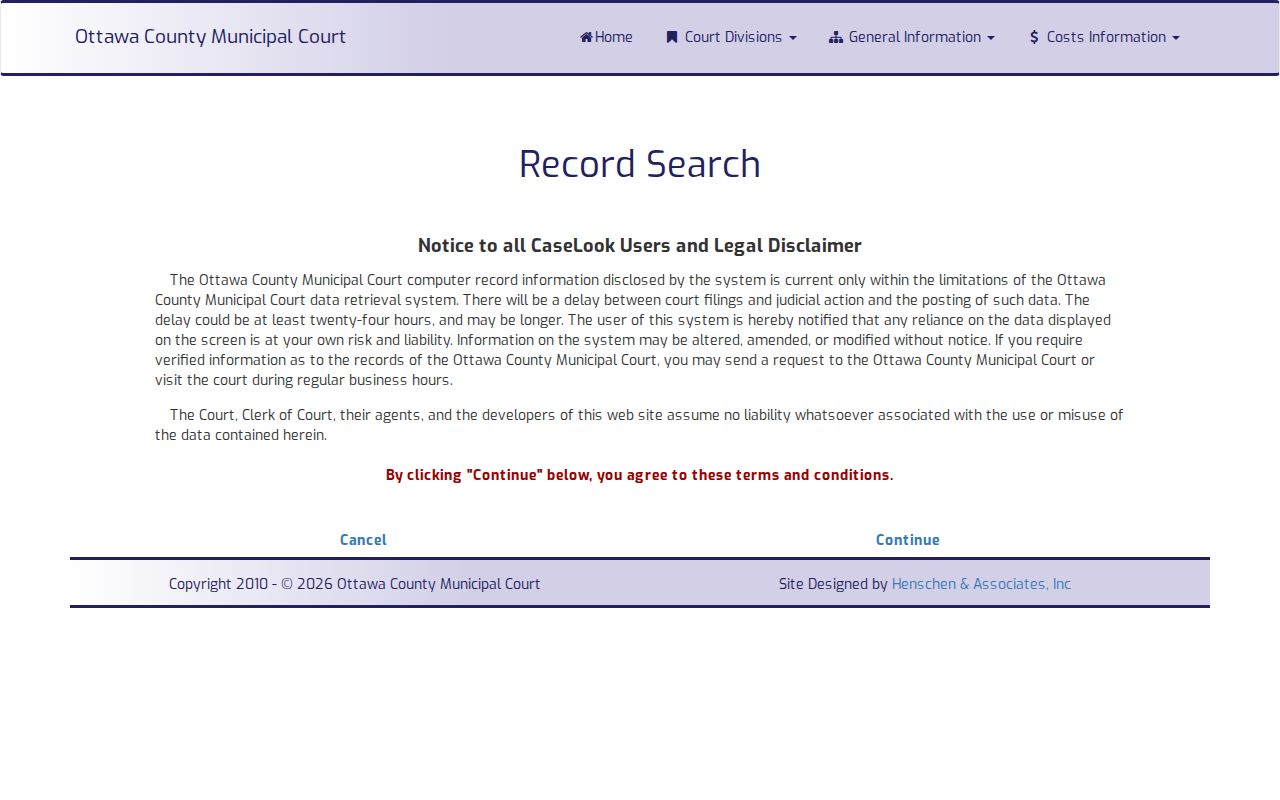
The form splits Case Number from Ticket Number, Name/Company, File Date, Hearing Date, and the case-type filters. Choose whichever single field matches the docket information you actually hold.
What a Case Search Returns
Treat a hit as a doorway, not a verdict. A Municipal CaseLook result gives you the case number, the filed date, hearing date and time when one is set, the case type, and the Case and Docket controls. Click through to Docket Entries and you get the story in order: filings, service, hearings, motions or orders, payments, warrants, and dispositions. Read those lines with care. A caption or party name tells you who the sides are. A payment line is bookkeeping. Neither one is a ruling.
| Case Number | The local identifier used to open the matching court file or docket. |
|---|---|
| Filed Date | A date displayed in Municipal CaseLook results for the case filing. |
| Case Type | CaseLook’s public buckets are Traffic, Criminal, Civil, and Small Claims. |
| Hearing Date and Time | Shown in a result when scheduled; compare it with later docket entries for a current setting. |
| Case / Docket Controls | Links to the case view and the chronological Docket Entries view. |
Open the local case or docket control to see the full event history. The result row by itself can hide a continuance, a later order, a payment, a warrant event, or the final disposition.
Ottawa County CaseLook Results
The Municipal Calendar Search adds a schedule view. Pick a hearing date. It can return the case number, filed date, hearing time, case type, and the Case or Docket controls. The docket screen offers an oldest-to-newest sort link. Still, the fastest way to confirm a court date is to scan the newest entries. Look there for a later hearing or continuance. A current entry usually follows the local pattern HEARING - date at time - type.
CaseLook's public docket history carries no public icon for downloading documents. So read the online result as case and docket information, nothing more. A complaint, order, exhibit, certified copy, hearing audio, or transcript may sit elsewhere. It can require a different access path at the proper Clerk or court counter.
Statewide vs County Case Search
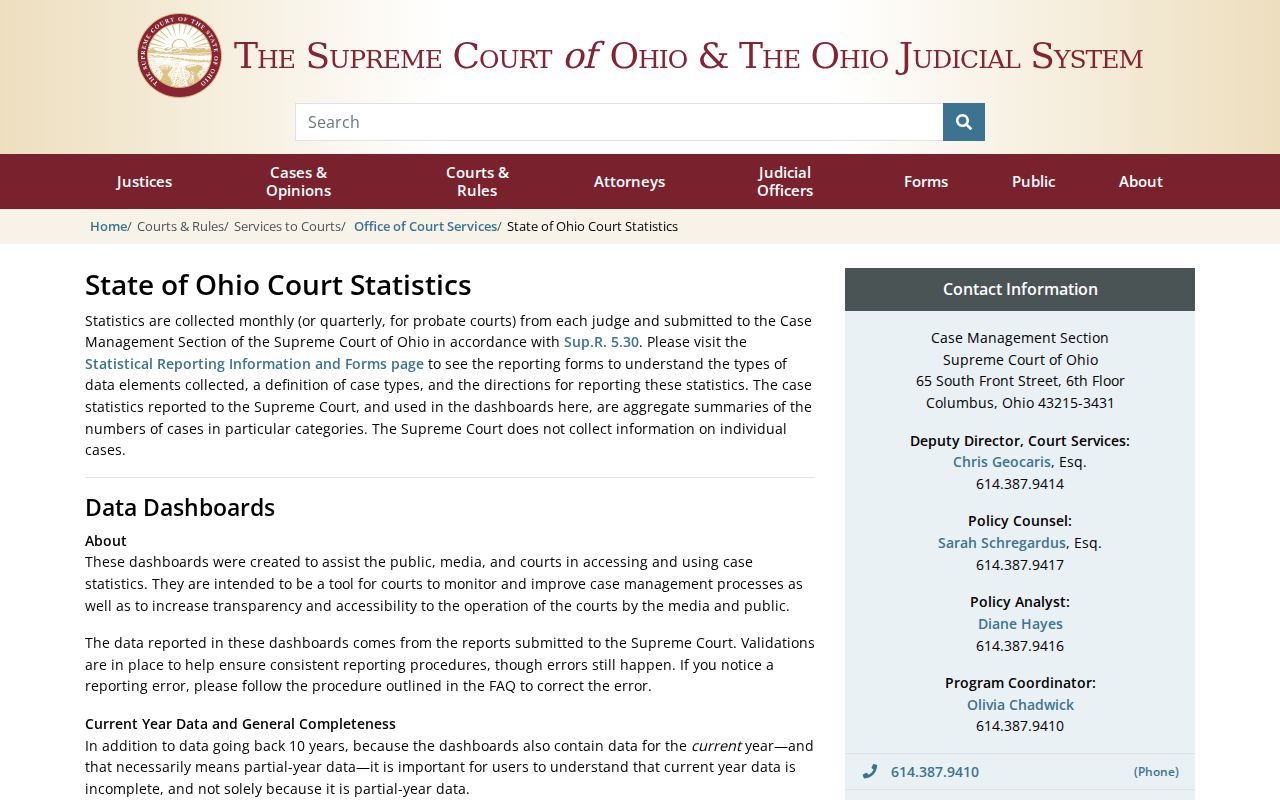
Ohio runs no public, unified trial-court case search that would replace Ottawa's local portals. The Supreme Court of Ohio's Online Case Docket covers that court's own cases only. It does not sweep in every Common Pleas or Municipal Court file. State reporting sites and statistics dashboards may publish court data. But none of them looks up a name or case number in a pending Ottawa County trial-court record. So the choice comes down to court level. Use Ottawa Common Pleas Benchmark for matters in that court. Use Municipal CaseLook for the rest.
| Statewide trial-court search | Ottawa County local portals |
|---|---|
| No public unified Ohio trial-court lookup is documented. | Benchmark covers published Common Pleas categories; CaseLook covers Municipal Court categories. |
| The Supreme Court’s own docket is not a county trial-court search. | Each local portal uses its own form, fields, number format, and public docket view. |
| State reporting tools summarize reported data rather than locate a particular case. | Use the court-specific docket, calendar, clerk, or assignment channel for an Ottawa case. |
Even when you only wonder whether an Ottawa case exists, start with a local portal. No statewide reporting resource merges the two local trial-court systems into one result.
Ottawa County Case Search Portal Rule
The local rule is simple: court level comes first. Benchmark is the right public starting point for a Common Pleas felony. It also covers major civil, domestic-relations, judgment-lien, or appeal records. CaseLook is the starting point for countywide traffic, misdemeanor, and preliminary felony cases. It also handles small-claims and qualifying civil cases. Probate and Juvenile keep separate court counters. The published Common Pleas search makes no express promise of Probate coverage either. A blank result in one system proves nothing. Another Ottawa division may still hold a file.
The official Ohio eStats Public Reports entry point is a state reporting resource. It is not the statewide Ottawa County case search, because Ohio does not operate one.
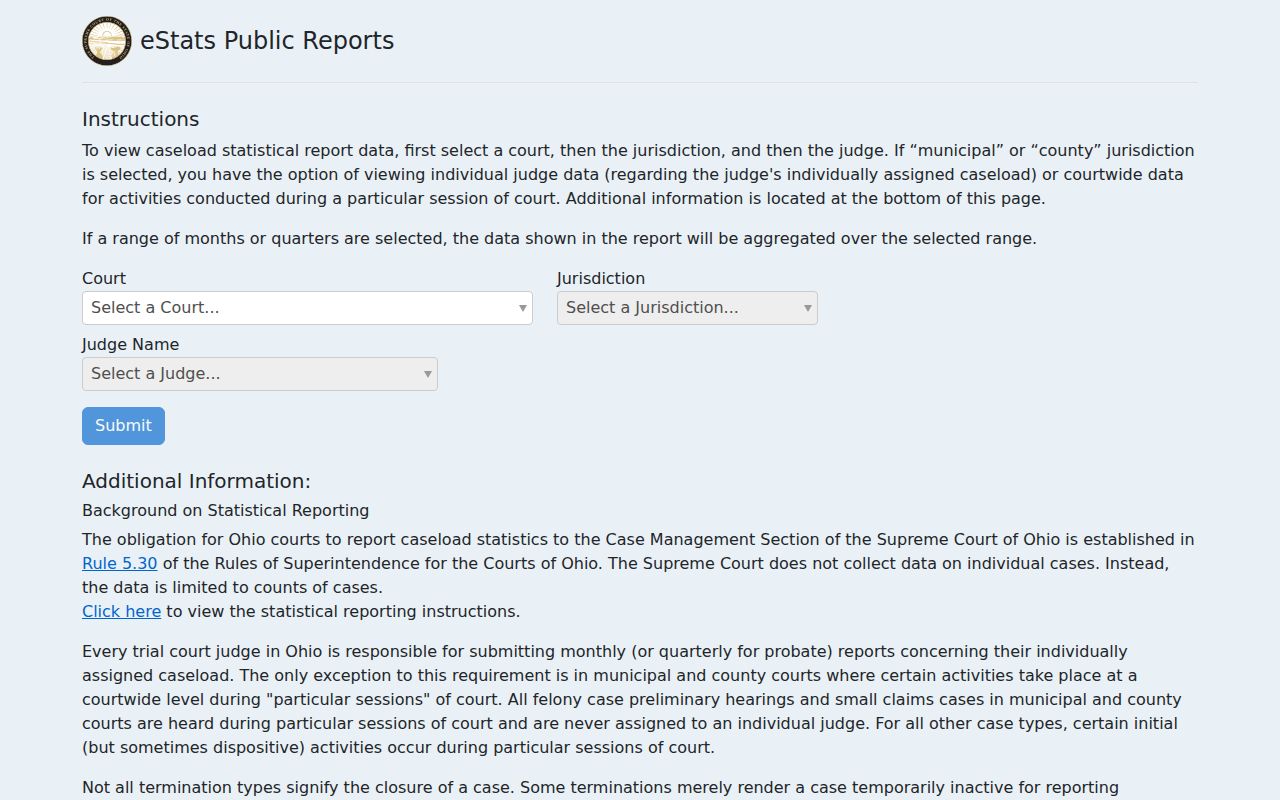
For any particular Ottawa case, try the matching local portal first. Then go to the court's direct channels when the public result looks thin or lands in the wrong court level.
Access and Restricted Cases
A public search never overrides an access restriction. That restriction may be a sealing order, a redaction rule, or juvenile confidentiality. Under R.C. 2953.32, eligible sealing or expungement can close off official records. It also closes the index references tied to them, within the statute's limits. When a result comes back empty, the reason stays hidden. The file may be sealed, never filed, mis-keyed, or outside the portal you chose. Or it may simply not be shown to the public.
Juvenile records follow the release and inspection limits in R.C. 2152.71. The Ottawa Juvenile Court counter handles requests for that division. Domestic-relations and juvenile filings can contain protected material covered by R.C. 2303.901. Ohio's Rules of Superintendence also let remote access skip an exhibit or attachment. That applies when direct access is available with notice. Ask the proper Clerk how to inspect a public record. A routine search cannot slip past a restriction.
Ottawa County Docket or Certified Copy
Know what you are asking for before you request anything. The docket itself is just a running list of case events in order. Beneath it sit the filed documents. Those include complaints, motions, orders, judgments, exhibits, transcripts, and attachments that an entry may reference. A plain copy is a duplicate with no seal. A certified copy is different, because the Clerk authenticates it for court or official use. Viewing a docket online does not convert that screen into certified evidence.
The Ottawa County Clerk’s Records page spells this out. Online information is public information only, it says. It cannot serve as evidence. Certified copies come from each court’s Clerk office on request. At Municipal Court, an ordinary copy runs $0.10 per page. A certified copy runs $3 per page. Common Pleas publishes no copy fee. Ask the Clerk for a quote instead of assuming Municipal rates apply to a Common Pleas record.
Ottawa County Search Delay Fallback
A docket search sometimes comes up empty. Keep the identifiers you already have. That means the case number, the court or division, a rough filing date, and the document or event you need. Those details make any fallback route faster. For Common Pleas, the Clerk and the court can point you to the right records channel. Municipal Court works differently. CaseLook's own warning sends you to a written request or a visit during regular hours for verified information. The counter is also the fallback when a remote attachment is missing. It applies too when an older file needs staff retrieval. What the docket does not show online, the clerk can usually pull in person.
The Ohio court-statistics dashboards cover the whole state, not individual cases. The Supreme Court warns that current-year figures can lag because of reporting delay. They are no substitute for an Ottawa County case lookup.
A statewide statistics tool is the wrong place to chase one Ottawa County record. For a single case, go straight to the local court portal, the Clerk, the court counter, or the scheduling office instead.